
Getting Started with a Dexcom CGM: A Comprehensive Guide
Imagine a world where finger pricks to check your blood sugar are a thing of the past. Where you can glance at your smartphone and instantly see where your glucose levels are headed. This isn't science fiction – it's the reality offered by Continuous Glucose Monitoring (CGM) systems, and Dexcom is a leading brand in this transformative technology. If you're newly diagnosed, exploring diabetes management options, or simply curious, this comprehensive guide will walk you through everything you need to know about getting started with a Dexcom CGM.
What is a Dexcom CGM and How Does it Work?
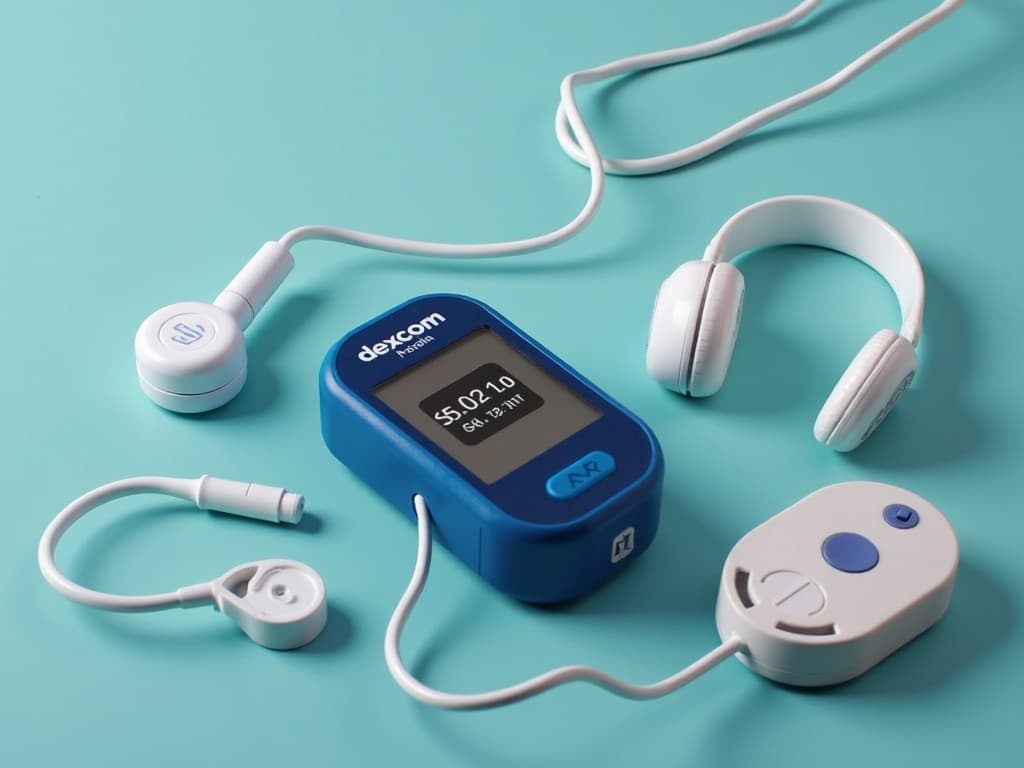
A Dexcom CGM is a small, wearable device that continuously tracks your glucose levels throughout the day and night. Unlike traditional blood glucose meters that require finger pricks, a CGM uses a tiny sensor inserted just under your skin to measure glucose in your interstitial fluid (the fluid surrounding your cells). This sensor transmits data wirelessly to a receiver (like a smartphone or Dexcom receiver), allowing you to see your glucose levels in real-time, along with trends and patterns.
Key Components of a Dexcom CGM System:
- Sensor: A small, disposable sensor inserted under the skin, typically on the abdomen or upper arm. It measures glucose levels in the interstitial fluid.
- Transmitter: A reusable device that attaches to the sensor and wirelessly transmits glucose data to a receiver.
- Receiver: A compatible smartphone (with the Dexcom app installed) or a dedicated Dexcom receiver device that displays glucose readings, trends, and alerts.
The CGM system provides readings every five minutes, giving you a continuous stream of data to help you understand how your blood sugar responds to food, exercise, medication, and other factors.
Benefits of Using a Dexcom CGM
Switching to a Dexcom CGM offers numerous advantages compared to traditional finger-prick monitoring. Here are some key benefits:
- Real-time Glucose Readings: Provides continuous glucose monitoring, eliminating the need for frequent finger pricks.
- Trend Arrows: Shows the direction and speed of your glucose levels, allowing you to anticipate highs and lows.
- Customizable Alerts: Alerts you when your glucose levels are too high or too low, even while you sleep. This helps prevent severe hypoglycemia or hyperglycemia.
- Data Tracking and Analysis: Stores your glucose data, allowing you and your healthcare provider to identify patterns and make informed decisions about your diabetes management plan.
- Improved Time in Range: Helps you maintain your glucose levels within your target range more consistently, leading to better overall health outcomes.
- Reduced A1C: Studies shows that using a CGM can significantly reduce A1C levels, a measure of average blood sugar over the past 2-3 months.
- Greater Peace of Mind: Provides a sense of security, knowing that you're continuously monitoring your glucose levels and will be alerted to potential problems.
Is a Dexcom CGM Right for You?
CGMs, including Dexcom, are beneficial for many people with diabetes, but they are not a one-size-fits-all solution. Consider these factors when deciding if a Dexcom CGM is right for you:
- Type of Diabetes: CGMs are commonly used by people with type 1 diabetes, but they can also be beneficial for people with type 2 diabetes, especially those who use insulin or have difficulty managing their blood sugar.
- Frequency of Blood Sugar Monitoring: If you frequently check your blood sugar with finger pricks (e.g., multiple times a day), a CGM can provide a more convenient and comprehensive solution.
- Hypoglycemia Awareness: If you experience frequent or severe hypoglycemia, or if you have difficulty recognizing the symptoms of low blood sugar, a CGM can provide valuable alerts to help prevent dangerous episodes.
- Commitment to Learning and Using the Technology: Using a CGM requires some training and education. You need to be willing to learn how to insert the sensor, interpret the data, and troubleshoot any issues that may arise.
- Cost and Insurance Coverage: CGMs can be expensive, so it's important to check with your insurance provider to see if they cover the cost and what your out-of-pocket expenses will be.
Talk to your doctor or a certified diabetes educator to discuss your individual needs and determine if a Dexcom CGM is the right choice for you.
Getting Started with Your Dexcom CGM: A Step-by-Step Guide
Once you've decided to use a Dexcom CGM, here's a step-by-step guide to getting started:
- Obtain a Prescription: You'll need a prescription from your doctor to get a Dexcom CGM.
- Order Your Dexcom CGM System: You can order your Dexcom CGM system through your pharmacy or directly from Dexcom.
- Attend Training and Education: Dexcom offers various training resources, including online tutorials, videos, and live webinars. Consider working with a certified diabetes educator for personalized guidance.
- Prepare the Insertion Site: Choose an appropriate insertion site, typically on your abdomen or upper arm. Clean the site with an alcohol swab and allow it to dry completely.
- Insert the Sensor: Follow the instructions provided with your Dexcom CGM system to insert the sensor correctly. This usually involves using an applicator to insert the sensor under the skin.
- Attach the Transmitter: Once the sensor is inserted, attach the transmitter to the sensor. Make sure it's securely connected.
- Pair the Transmitter with Your Receiver: Follow the instructions in the Dexcom app or on the Dexcom receiver to pair the transmitter with your receiving device.
- Start the Sensor: Once the transmitter is paired, you'll need to start the sensor. This usually involves entering a code into the Dexcom app or receiver.
- Calibration: Some Dexcom CGM systems require calibration with finger-prick blood glucose readings, especially during the initial warm-up period. Follow instructions carefully.
- Monitor Your Glucose Levels: Once the sensor is warmed up and calibrated (if required), you can start monitoring your glucose levels on your receiver.
Remember to consult the Dexcom user guide for detailed instructions and troubleshooting tips.
Tips for Successful Dexcom CGM Use
To get the most out of your Dexcom CGM, consider these tips:
- Choose the Right Insertion Site: Rotate your insertion sites to prevent skin irritation. Avoid areas with scars, moles, or excessive body hair.
- Properly Prepare the Insertion Site: Cleaning the insertion site with an alcohol swab is crucial to prevent infection.
- Ensure Adequate Adhesion: Use adhesive patches or over-tapes to keep the sensor securely in place, especially during exercise or activities that may cause it to dislodge. [externalLink insert]
- Calibrate Regularly (If Required): If your Dexcom CGM system requires calibration, calibrate it as instructed. Accurate calibration is essential for accurate readings.
- Respond to Alerts Promptly: Pay attention to high and low glucose alerts and take appropriate action to prevent or treat hyperglycemia or hypoglycemia.
- Review Your Data Regularly: Analyze your glucose data to identify patterns and trends. Share your data with your healthcare provider to optimize your diabetes management plan.
- Stay Hydrated: Dehydration can affect CGM accuracy.
- Troubleshoot Issues Promptly: If you experience any issues with your Dexcom CGM, such as inaccurate readings or sensor failures, troubleshoot the problem promptly. Refer to the Dexcom user guide or contact Dexcom support for assistance.
Troubleshooting Common Dexcom CGM Problems
While Dexcom CGMs are generally reliable, you may encounter some common problems. Here's how to troubleshoot them:
- Inaccurate Readings: Inaccurate readings can be caused by various factors, including sensor placement, calibration errors, or interference from medications. Ensure proper sensor placement, calibrate as instructed, and consult your healthcare provider if you suspect medication interference.
- Sensor Failures: Sensors can sometimes fail prematurely. If this happens, contact Dexcom support for a replacement sensor.
- Connectivity Issues: Connectivity issues between the transmitter and receiver can prevent you from seeing your glucose data. Ensure that the transmitter is securely attached to the sensor and that the receiver is within range. Restarting the receiver or app may also resolve connectivity issues.
- Skin Irritation: Skin irritation at the insertion site can be caused by adhesive allergies or sensitivity to the sensor material. Try using hypoallergenic adhesive patches or rotating your insertion sites more frequently.
The Future of CGM Technology
CGM technology is constantly evolving. Future developments may include:
- More Accurate Sensors: Advancements in sensor technology could lead to even more accurate and reliable glucose readings.
- Smaller and More Discreet Devices: Future CGMs may be smaller and less noticeable, making them more comfortable and convenient to wear.
- Integration with Insulin Pumps: Closed-loop systems (also known as artificial pancreas systems) that automatically adjust insulin delivery based on CGM readings are becoming increasingly common.
- Non-Invasive CGM: Researchers are working on non-invasive CGM technologies that would eliminate the need for sensor insertion.
Conclusion
Getting started with a Dexcom CGM can be a game-changer for managing your diabetes. By providing continuous glucose monitoring, trend arrows, and customizable alerts, a Dexcom CGM can help you achieve better blood sugar control, reduce your risk of complications, and improve your overall quality of life. Talk to your doctor to see if a Dexcom CGM is right for you, and take advantage of the available training and support resources to ensure a successful start.